
How do I get started on my Mac?
Getting started on Mac requires a few more steps than getting started on Windows, due to Mac’s expanded privacy settings.
Please follow the instructions below:
-
Download the agent using the unique link sent to you in the welcome email provided by Tridium.
-
When downloaded, click “Open file”:
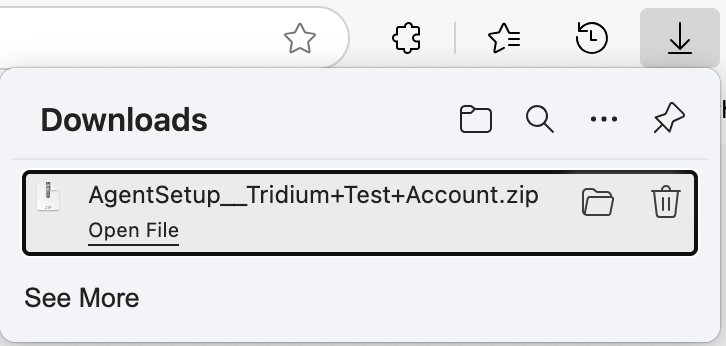
-
You will now be in your Downloads folder. Go into the “AgentSetup” folder:
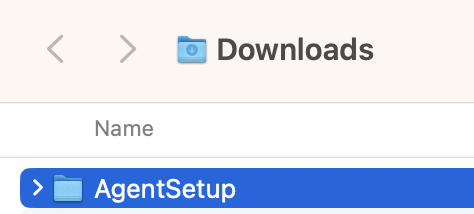
-
Once inside “AgentSetup,” double-click on “CAG.pkg”:
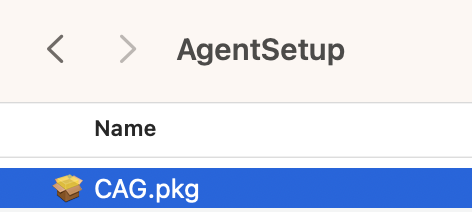
-
Complete the installation by progressing through the screens. You will need to have administrative permission on the Mac to complete the setup.
-
Once completed, please restart the machine normally. This is important.
-
After restarting, log back in.
-
The agent application will load shortly after logging in and will be shown in the menu bar at the top of the screen as a globe with a heartbeat:

-
Go to: Apple menu -> System Settings…
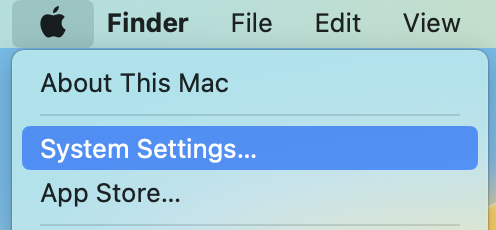
-
Click on “Privacy & Security” on the left side, then “Accessibility” on the right side:
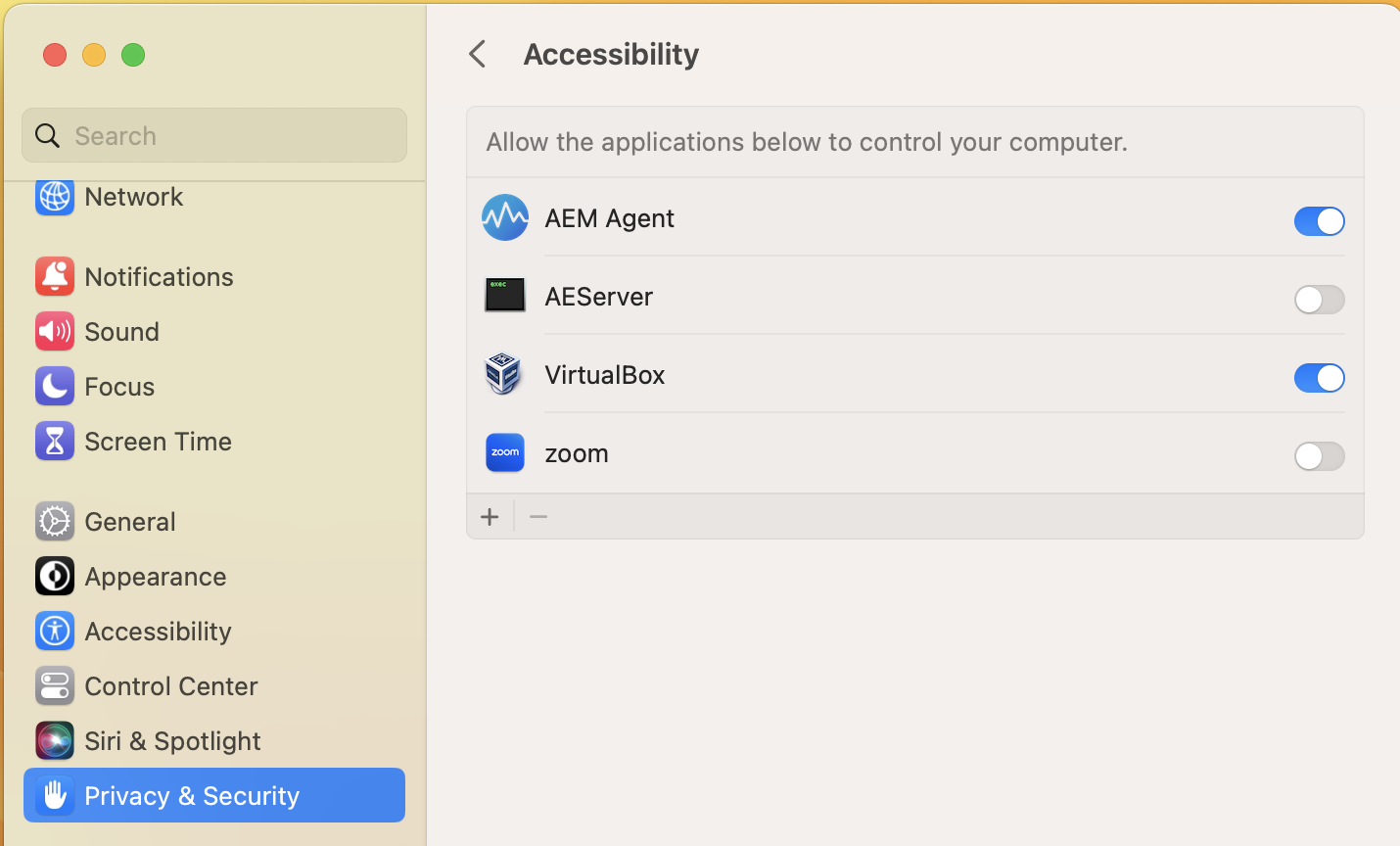- Enable the toggle next to “AEM Agent”
- Press the back arrow at the top next to “Accessibility”
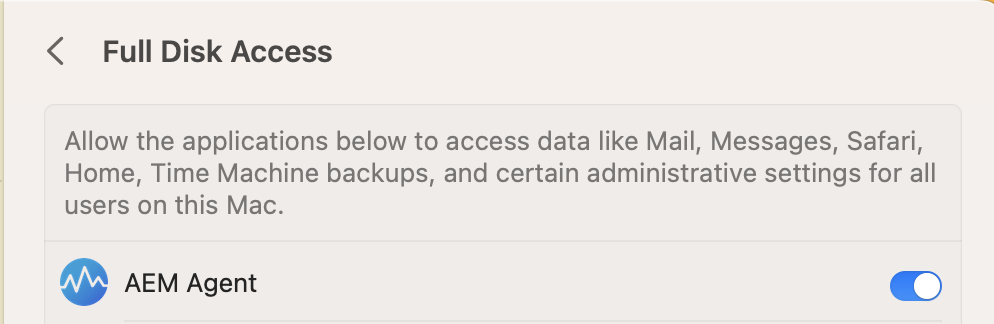
- Go into “Full Disk Access” and enable “AEM Agent” there as well.
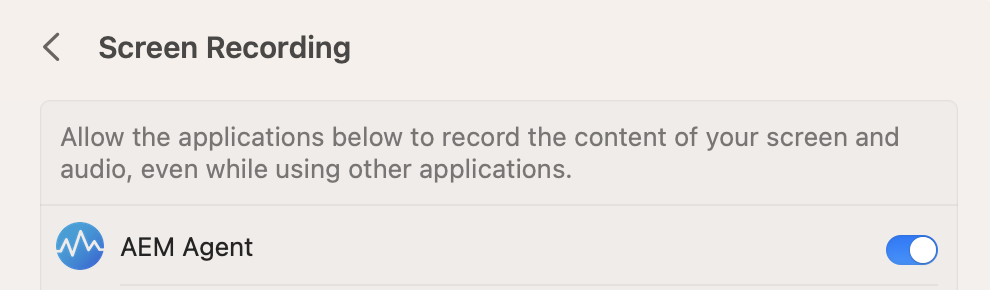
- Press the back arrow, then go into “Screen Recording,” and enable “AEM Agent” there as well:
- That’s it. Your Mac initial setup is now complete.
Need help with this? Existing clients can request support through their usual support channel. Not a client yet? Call (727) 977-3111 or learn about Managed IT Operations.