
How do I complete device protection on my Mac?
Mac devices require additional steps to complete device protection. Please follow the instructions below.
Tridium partners with Huntress to provide protection for Windows and Mac devices. Due to the additional privacy controls which Apple has introduced, Mac devices require the following extra steps to fully enable device protection.
-
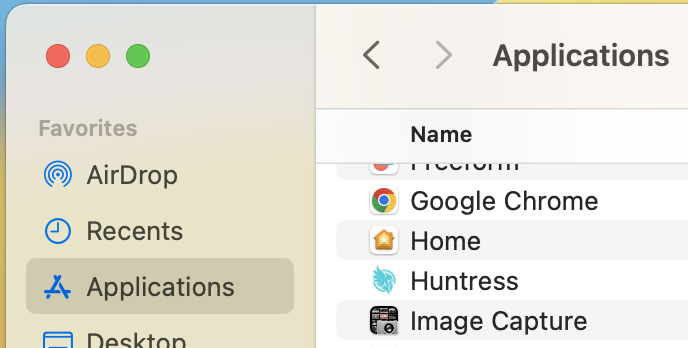
Open the “Finder” and navigate to “Applications”
-
Locate the “Huntress” application and double-click to run it.
-
Follow the prompts to allow Huntress the access it needs and install the system extension.
Need help with this? Existing clients can request support through their usual support channel. Not a client yet? Call (727) 977-3111 or learn about Managed IT Operations.